In development · Demo by request

Papertrail Pro

Receipt and documentation workspace for tax offices. Collect client receipts, organize uploaded documents, and export to CSV, XLSX, and PDF formats.

Who This Is For

Papertrail Pro is designed for tax offices that need to collect, organize, and reference client documentation. It's useful for offices that receive receipts and expense records from clients throughout the year.

  • Tax offices collecting client receipts for expense deductions
  • Firms organizing documentation for business clients
  • Preparers who need to reference uploaded documents during preparation
  • Offices wanting digital storage of client paperwork
The Problem It Addresses

Clients often provide receipts and expense documentation in disorganized formats—shoeboxes of paper, scattered photo attachments, and incomplete records. Papertrail Pro provides a structured workspace where documentation can be uploaded, organized by client, and exported in standard formats for tax preparation.

Illustrative Workflow — Not a Feature Guarantee

How a Tax Office Might Use Papertrail Pro

  1. Collect uploads — Client or staff uploads photos/scans of receipts and documents.
  2. Manual confirmation — Staff reviews uploads and confirms receipt details (vendor, amount, date).
  3. Export for preparation — Export document list to CSV, XLSX, or PDF for use during tax preparation.

Verified: manual receipt confirmation, photo upload, CSV/XLSX/PDF export. Category tagging, client organization, and search are not yet verified. AI/OCR receipt reading is not configured.

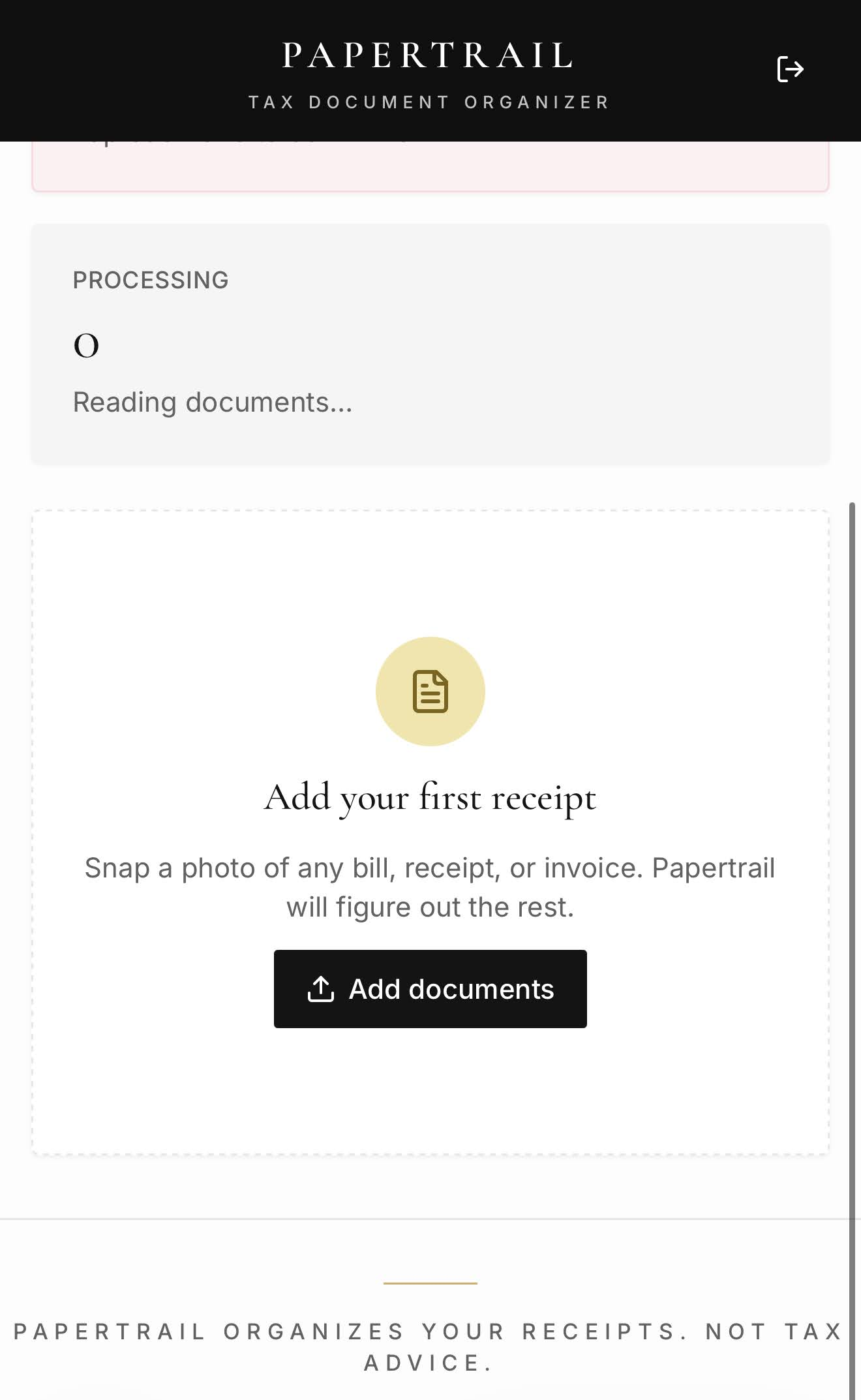
Papertrail Tax Document Organizer onboarding screen showing empty processing queue and add documents prompt
Historical Papertrail onboarding screen, cropped to remove browser chrome. Empty state only; capture date and current-version match unverified. Automated document-reading results have not been verified. Source: Google Photos historical capture, date/build unknown.

Capabilities

Photo Upload

Upload receipt photos and document scans. Supports common image formats.

Manual Confirmation

Review uploads and manually enter receipt details: vendor, amount, date.

CSV/XLSX Export

Export receipt data to CSV or XLSX format for use in spreadsheets or tax software.

PDF Export

Generate PDF summaries of documented receipts with images and details.

Current Limitations & Readiness

Frequently Asked Questions

Does Papertrail Pro automatically read receipts?
AI receipt reading requires API configuration not included in standard deployments. Currently, receipt details must be entered manually after upload.
Can clients upload their own receipts?
Client upload capability depends on deployment configuration. Contact us to discuss client-facing upload workflows.
What file formats can I upload?
Common image formats (JPG, PNG) and PDF files are supported. Specific format support may vary by version.
How long are documents stored?
Storage duration depends on your deployment configuration and hosting setup.
Can I connect this to my accounting software?
Papertrail Pro exports to CSV and XLSX formats. Direct integrations with accounting software are not included.

Enterprise Licensing

Papertrail Pro is licensed per office under Tax Partners USA's enterprise model. There are no monthly subscriptions or online checkout.

  • White-label available: Rebrand with your office name and logo.
  • Self-hosted option: Run on your own infrastructure.
  • Quote-based pricing: Licensing cost depends on storage needs and deployment requirements.
  • Support included: Setup, training, and ongoing support are discussed as part of your quote.

Request a private demonstration.

We'll show you document upload, organization, and export features using sample data.